Clock in from anywhere.Or nowhere near a desk.
Shared kiosk, GPS mobile clock-in, and offline mode — all in one system.
Smartclocksystems gives every employee a way to clock in that fits how they actually work. Field workers use the GPS-verified mobile app. Shared teams use the tablet kiosk with selfie or PIN verification. Everyone syncs to the same live dashboard — even when offline. No paper timesheets. No badge readers. No separate systems to manage.

The clock-in experience employees actually use
Field workers, remote staff, and on-site teams all use the same app — with GPS location verification built in from the start.
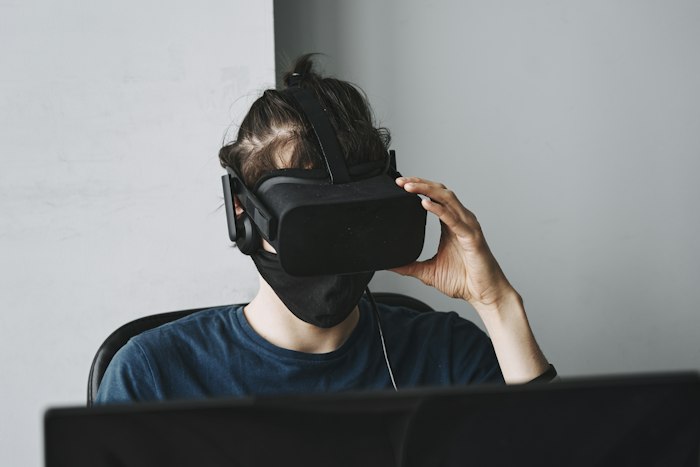
Every punch records the employee's GPS coordinates. Clock-ins outside approved zones are flagged instantly — no manual checking required.
No internet? No problem. The app caches clock events locally and syncs automatically when connectivity is restored. Punches are never lost.
Employees see their upcoming shifts, receive push notifications when schedules are published, and confirm or request swaps — all from the same app.
Submit PTO requests, check balances, and see approval status without calling HR. The full leave workflow lives in the mobile app.
One tablet. Unlimited employees. Zero friction.
Mount any iPad or Android tablet at the entrance and every employee clocks in with a PIN, selfie, or face match — shared hardware, individual verified records.
Employees take a selfie at clock-in. Optional facial-recognition match flags potential buddy-punches before they reach payroll.
Employees enter a personal PIN. Fast, simple, no phones required. Ideal for warehouse floors, kitchens, or any environment where phones aren't practical.
Manage kiosks across unlimited sites from a single admin dashboard. Each kiosk is location-tagged so clock-ins are automatically attributed to the correct site.
Kiosk mode locks the tablet to the Smartclocksystems clock-in screen. Employees cannot access other apps, browse the web, or change device settings.
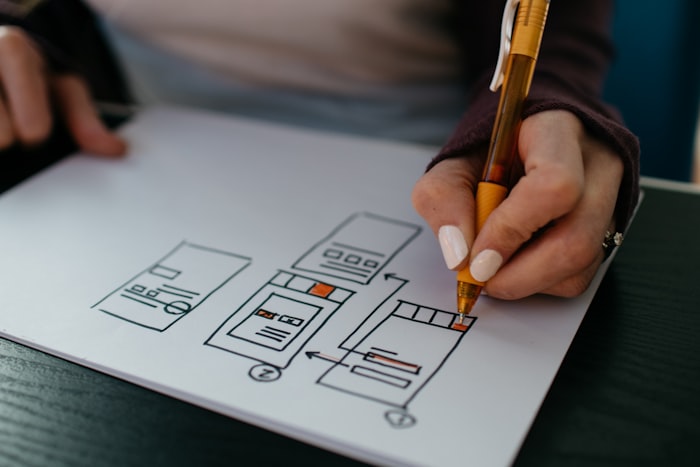
Every mobile & kiosk capability — in the live product today
Six modules shipping in production. Not a roadmap.
iOS and Android app for individual employee clock-ins. GPS-verified, offline-capable, and synced to the live dashboard the moment connectivity is restored.
- iOS + Android
- GPS verification at every punch
- Offline sync
Turn any iPad or Android tablet into a dedicated clock-in terminal. PIN, selfie, or face match. Locked to the Smartclocksystems screen — no other apps accessible.
- PIN + selfie + face match
- Device lockdown mode
- Multi-site kiosk management
Clock-ins, clock-outs, and break events are cached locally when the device is offline. Everything syncs the moment connectivity is restored — nothing is lost.
- Local event caching
- Auto-sync on reconnect
- Works on mobile + kiosk
Employees receive instant push notifications for new schedules, approved leave requests, shift swap decisions, and compliance reminders — all through the app.
- Schedule publish alerts
- Leave & swap decisions
- Compliance reminders
Selfie capture at every clock event with optional facial-recognition match. Eliminates buddy-punching on both mobile and kiosk. Photos stored with full audit metadata.
- Selfie at every punch
- Optional face-match engine
- Stored with audit trail
The mobile app isn't just for clocking in. Employees access PTO balances, schedule views, swap requests, payslips, and compliance documents — the full platform, on their phone.
- Schedule & PTO access
- Document acknowledgments
- Payslip & timecard view
From tap to verified punch in under 3 seconds
The fastest, most verified clock-in experience your team has ever used.
Paper timesheets vs. Smartclocksystems mobile & kiosk
The gap between how your team clocks in today and how they could.
Used across industries where every minute matters
From warehouse floors to healthcare units to retail stores — Smartclocksystems mobile and kiosk fits every environment.
Teams that ditched the paper timesheet
Real results from organizations using Smartclocksystems mobile & kiosk today.
"We installed two kiosk tablets at our warehouse entrance and eliminated paper timesheets entirely. Setup took 20 minutes. Our payroll admin saves 4 hours every week."
"Our field engineers work in areas with patchy internet. The offline mode was the deciding factor for us. Punches sync when they get back in range and we've never lost a single record."
"The face verification on the kiosk ended buddy-punching at our retail stores immediately. We saw a $2,400 drop in unverified overtime in the first month alone."
Built for environments where employees don't sit at desks
Any operation with field workers, shared workstations, or staff who need a fast, verified clock-in experience.
Every claim maps to working code in the Smartclocksystems platform.
Everything you need to know
Questions about mobile & kiosk in Smartclocksystems — answered.
See your team clock in without a spreadsheet in sight.
Bring your current setup. We'll show you how Smartclocksystems mobile and kiosk replaces it — entirely — in 30 minutes.
No commitment · No setup fees · Live in days